Apple App Store
How to Share Access
1. Go to App Store Connect.
2. Log into your developer account.
3. Go to Users and Access.
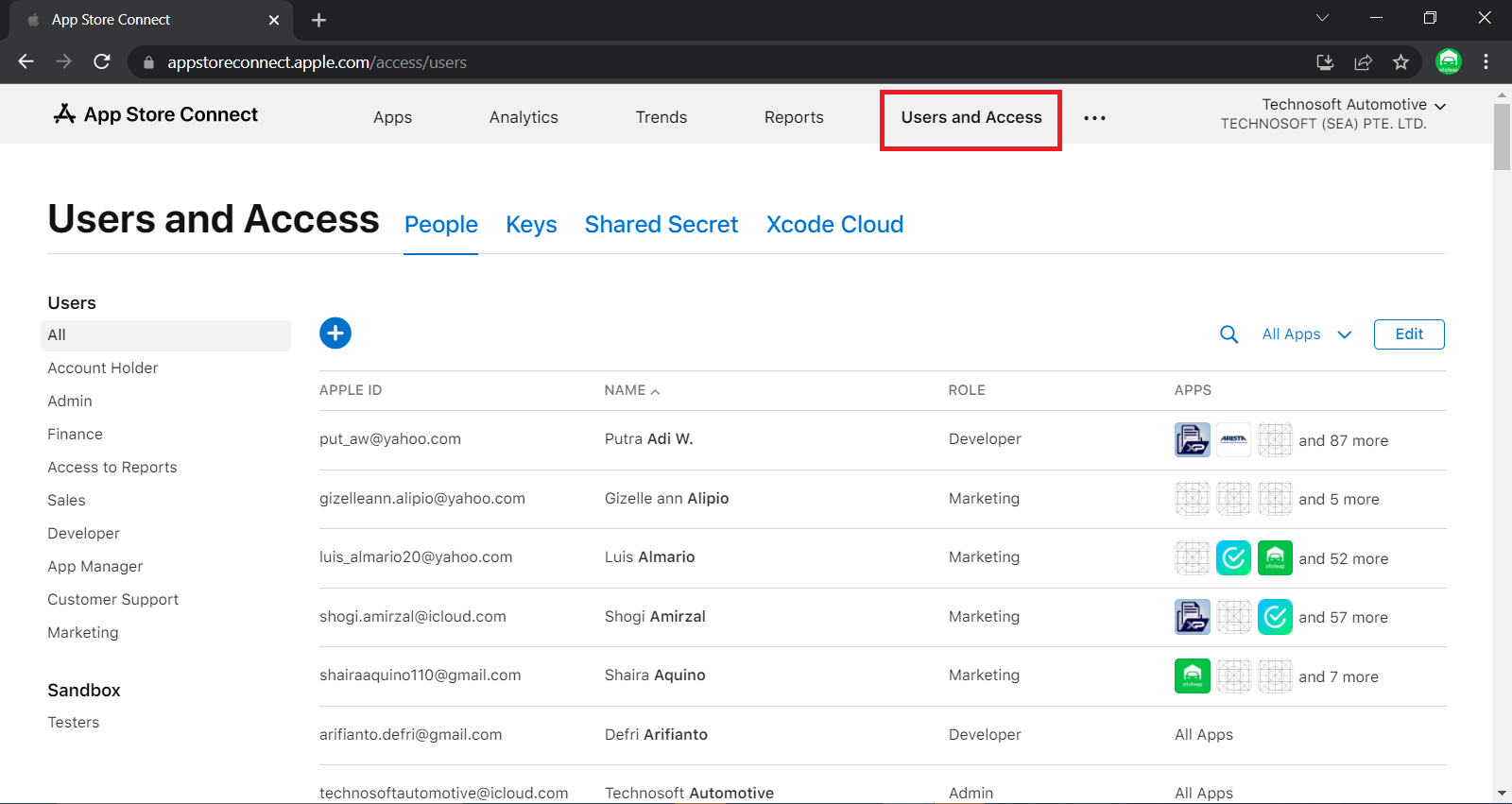
4. Click (+) to add new user.
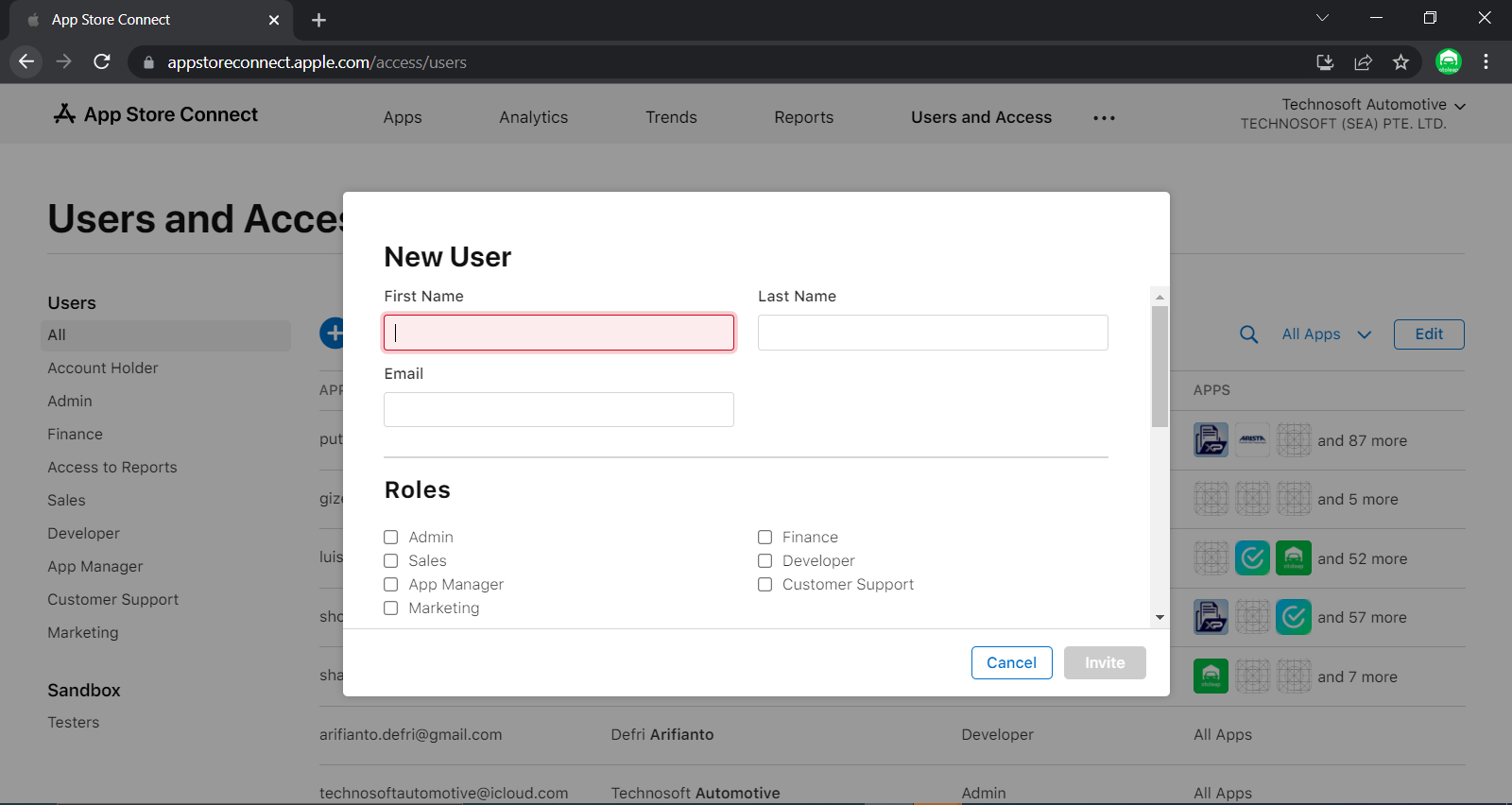
| First Name | Technosoft |
| Last Name | Automotive |
| technosoftautomotive@icloud.com | |
| Roles | Admin |
| Apps | All Apps |
5. Click Invite to proceed.
Apple Business Manager
In order to publish private apps, Apple Business Manager is required to setup by client.
Enroll in Apple Business Manager
1. Go to Apple Business Manager.
2. Please complete the form, then continue.
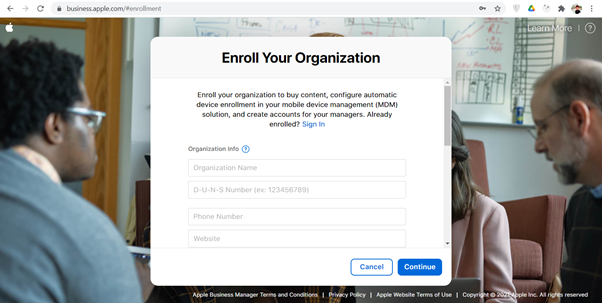
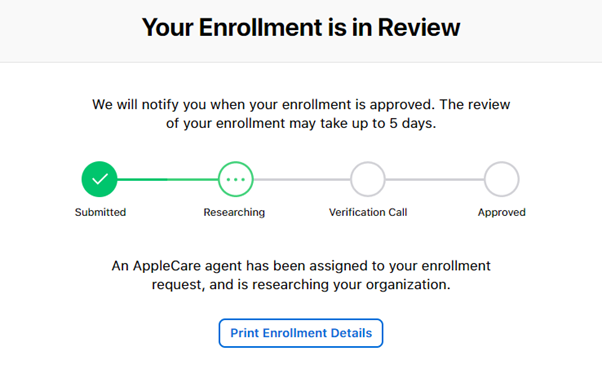
3. It may take up to 5 days for your enrollment to be completed.
Find Organization name and Organization ID
1. Go to Apple Business Manager.
2. Log into your Apple Business Manager account.
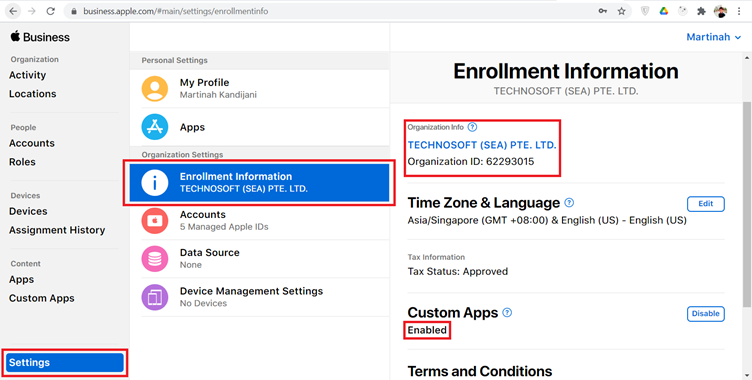
3. Go to Settings page.
4. Find your Organization name and Organization ID, then send it to us.
Generating Redemption Codes for Distribution
This step can only be done after your apps has been reviewed by Apple.
1. Go to Apple Business Manager.
2. Log into your Apple Business Manager account.
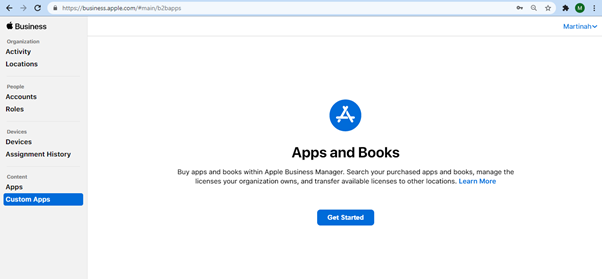
3. Go to Custom Apps page.
4. Click Get Started, then you will be asked to login once again.
Important
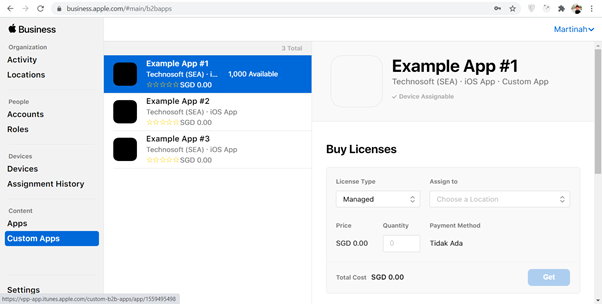
This process is very slow, when we try it ourselves, the process is stuck as if nothing happened. But after a few minutes, the contents changed.
5. Select your app, fill the form as your needed, then click Get.
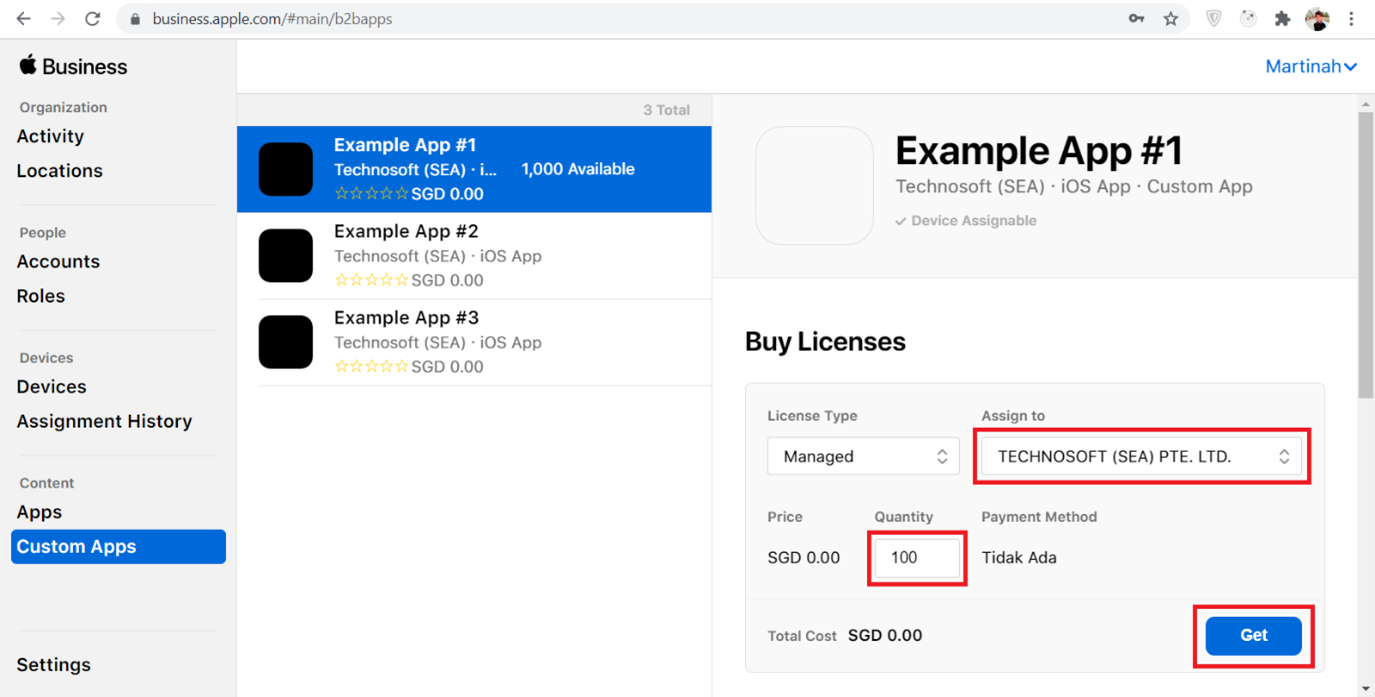
6. Please wait for an email from Apple.
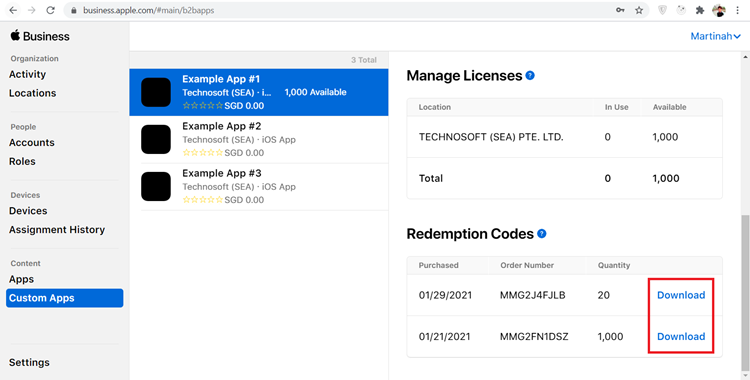
7. Download button should appear as below.
How to Redeem a Code
This step can only be done after your apps has been reviewed by Apple.
After obtaining an excel file from Apple Business Manager which contains the list of redemption codes, you can start to download the apps by following these steps.
1. On your iPhone/iPad, open the AppStore.
2. Go to Account.
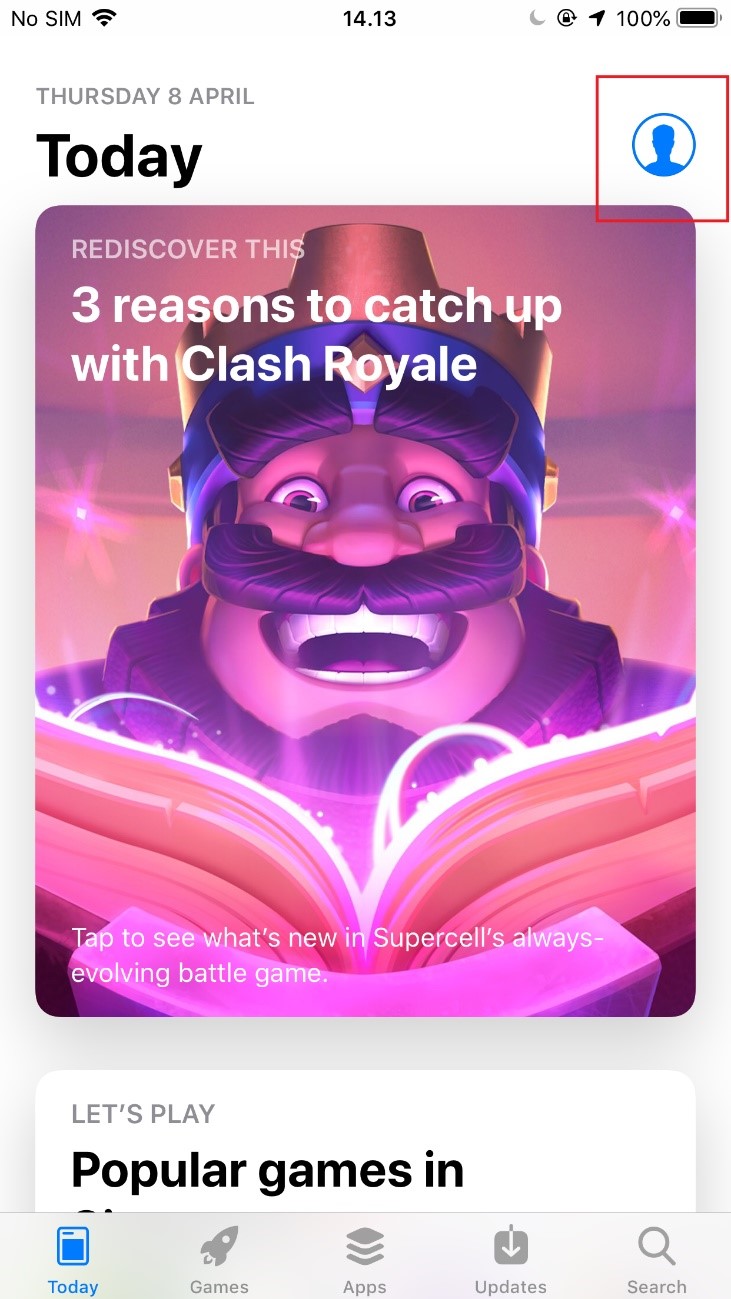
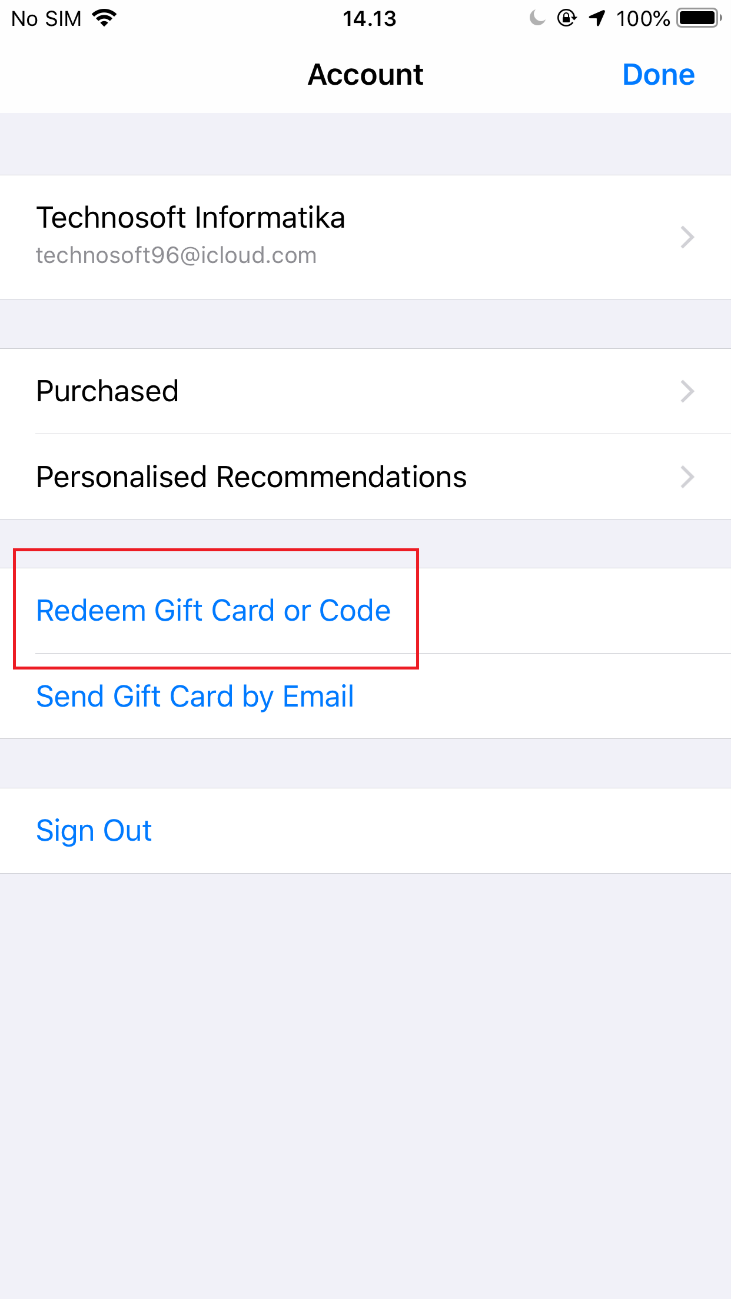
3. Tap Redeem Gift Card or Code.
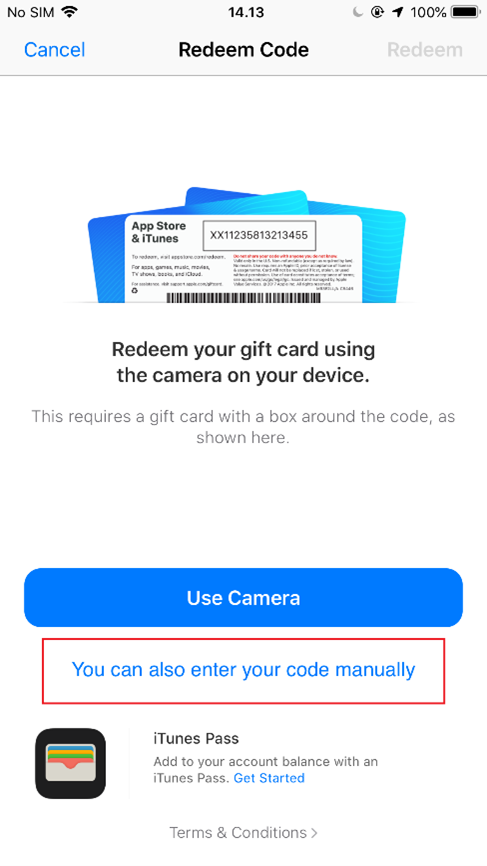
4. Enter the code manually, then tap Redeem.
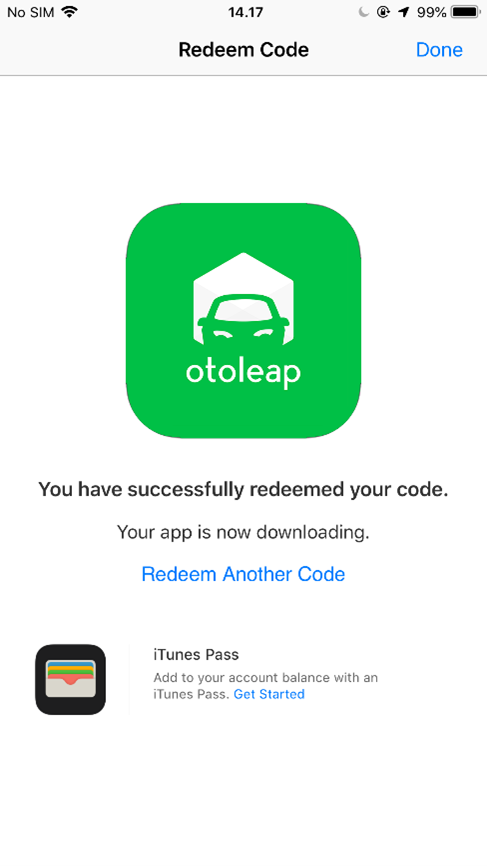
5. Please wait for the download process to complete.
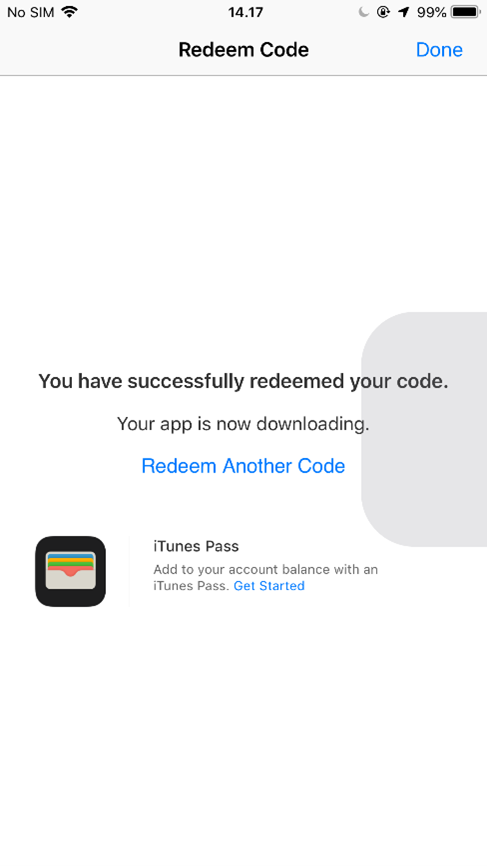
6. Done.
Service Limitation
-
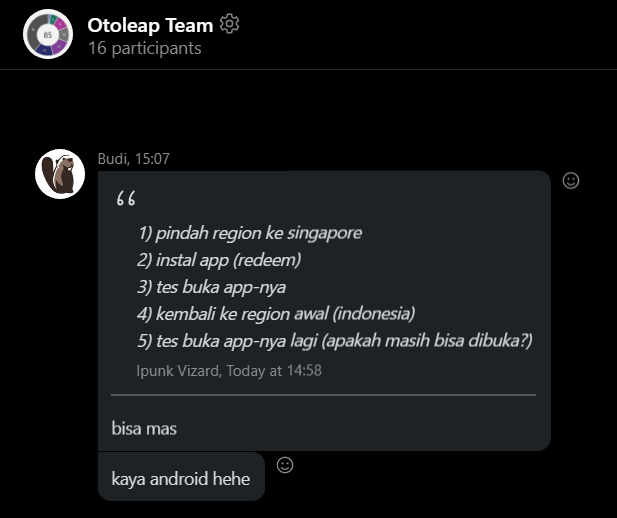
The codes only work on devices with the same region, for example: your redemption code is generated by a company in Philippines region, so the devices must be in Philippines region too.
-
Each code only work once, so use different code for each devices.
- Please check for supported region before enrolling.
- Not supported in Indonesia.
Test Summary Report
FAQ
Why we can't distribute the app in different regions?